Frame it
Turn raw screenshots into clean compositions with layouts, crop, radius, shadows, and export sizes.
Screenshot editor for iPhone
Frame app screens, style the background, add callouts, hide private details, and export a clean PNG in seconds.
Free to download · iPhone
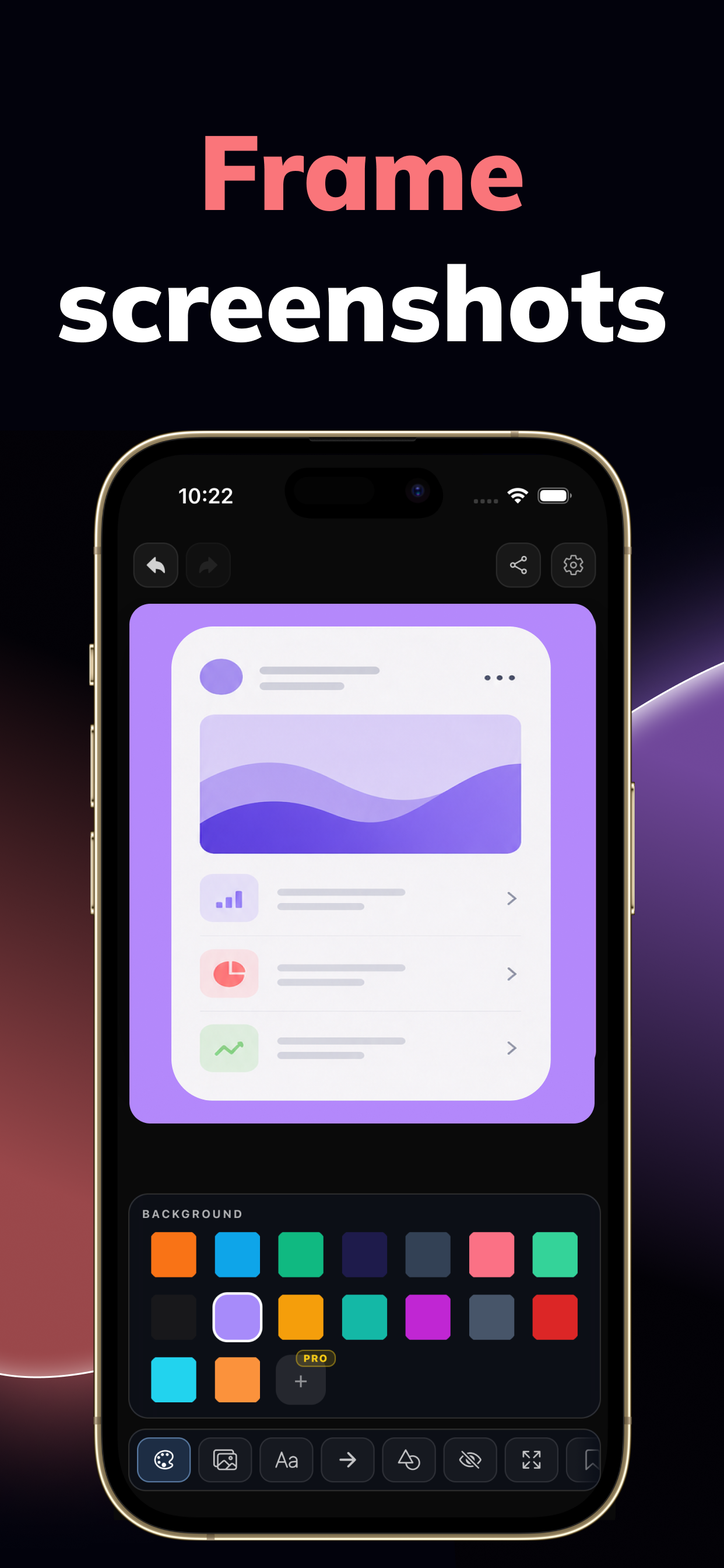
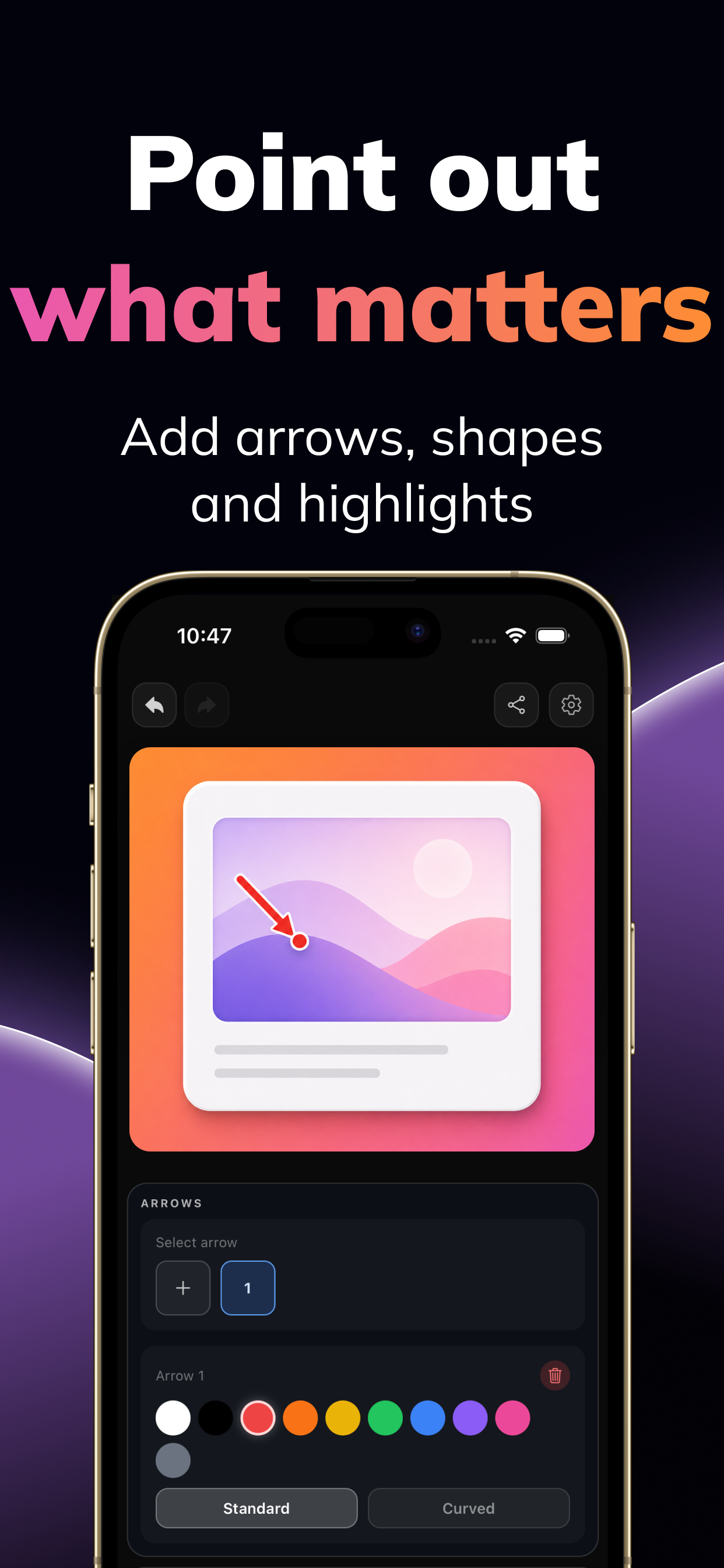
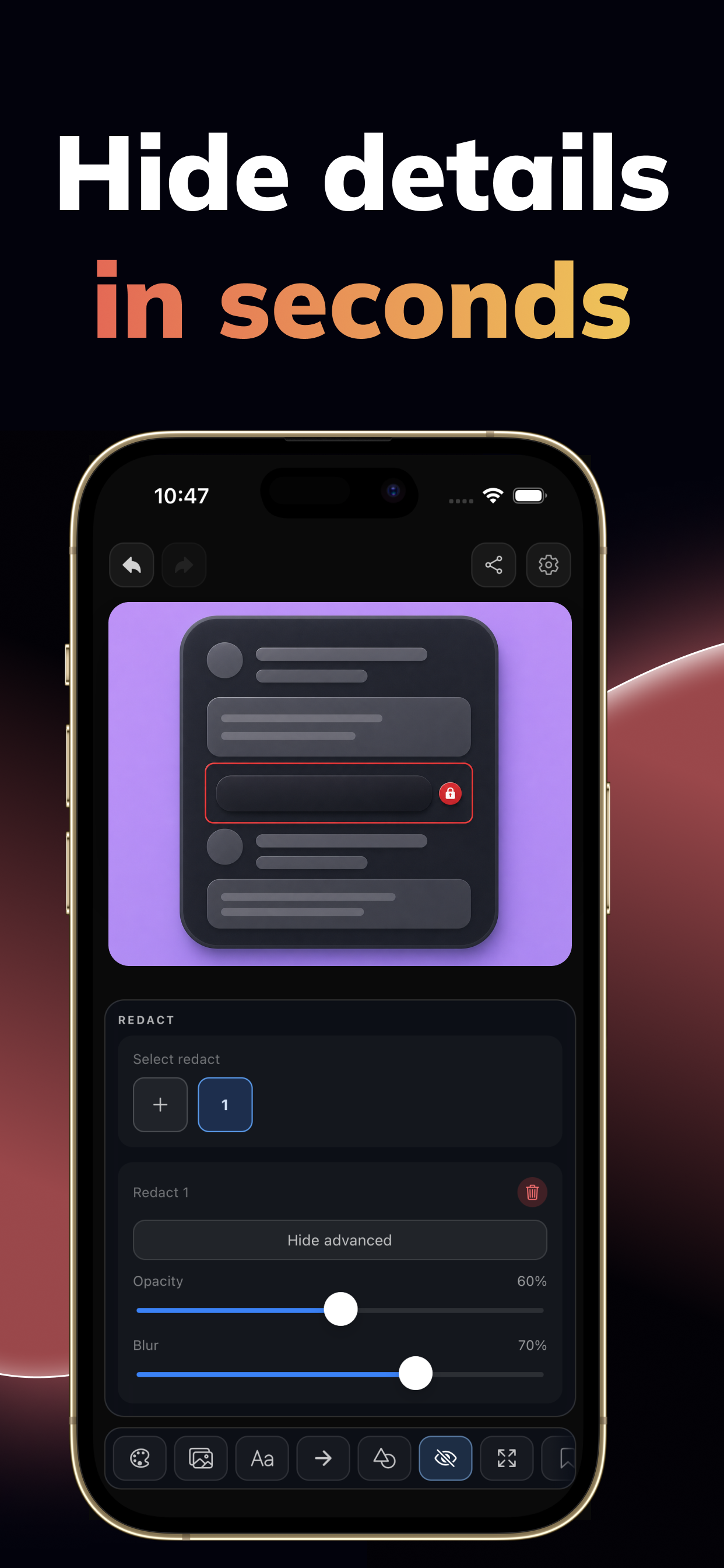
Turn raw screenshots into clean compositions with layouts, crop, radius, shadows, and export sizes.
Add text, arrows, shapes, highlights, and redaction so people notice the important part.
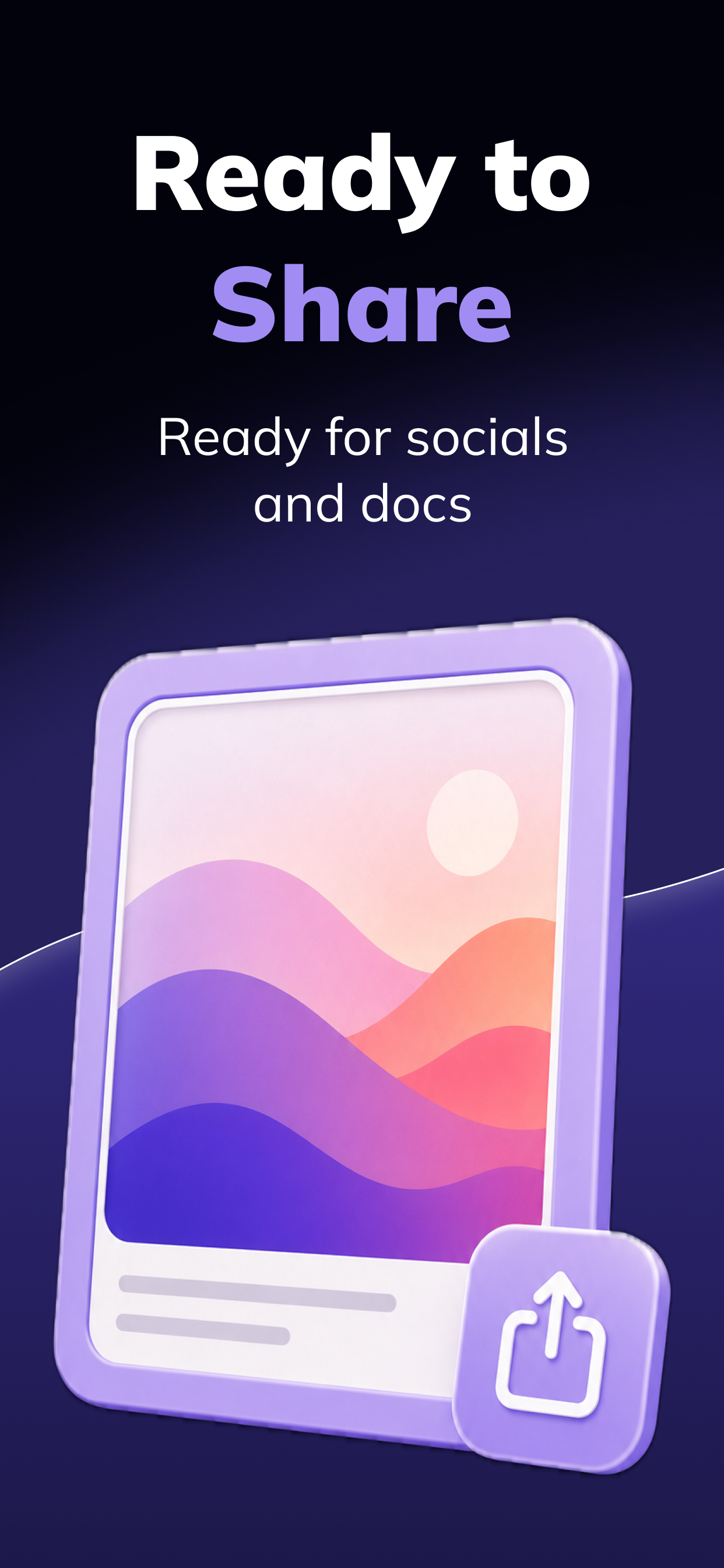
Export polished PNGs for App Store previews, docs, social posts, support replies, and product updates.
What it does
Start with screenshots from your phone, clean them up, point to the important parts, and save the final image.
Combine images into clean compositions with layouts, crop, scale, radius, borders, and shadows.
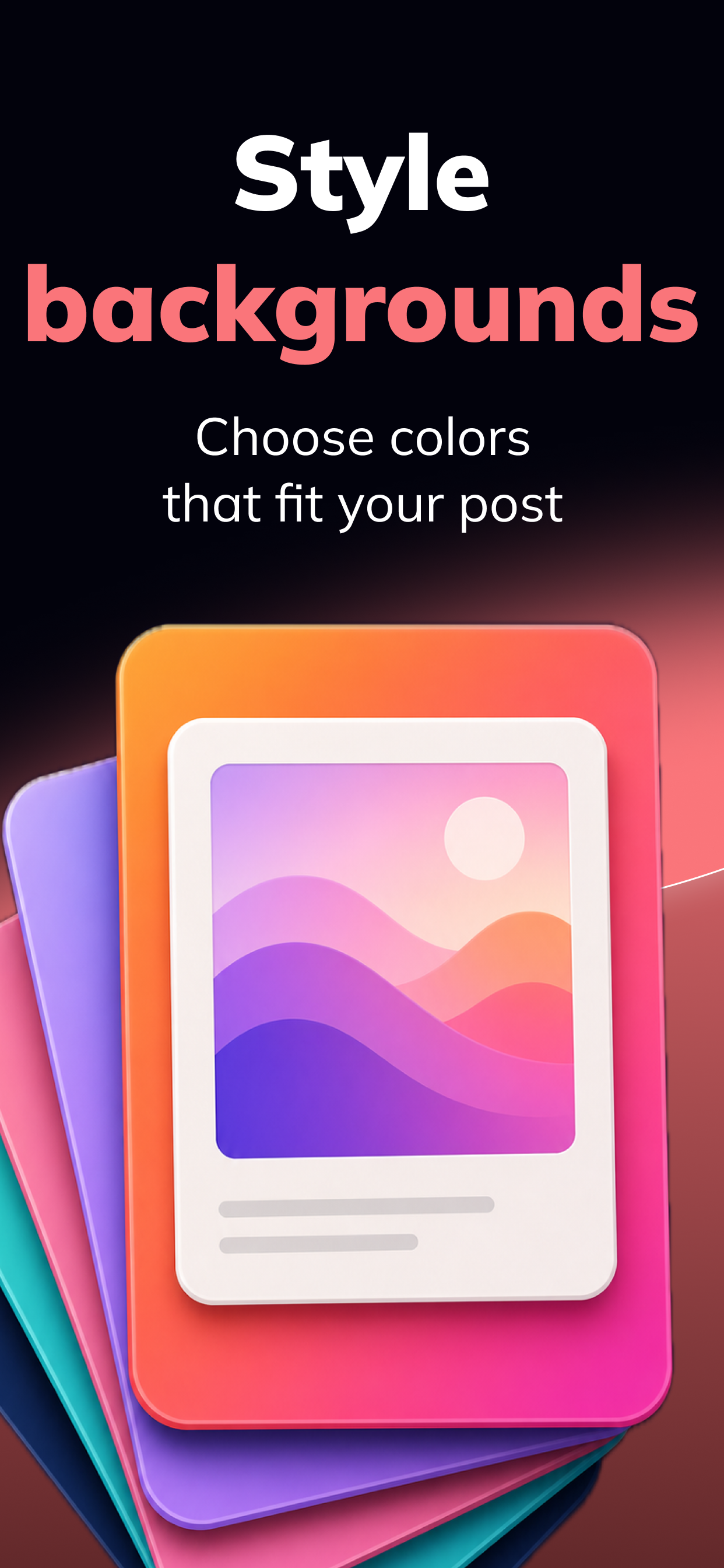
Pick export sizes, adjust backgrounds, and use gradients that fit the screenshot or post.
Add text, arrows, shapes, marker strokes, pencil notes, and highlights without leaving your phone.
Redact sensitive areas before you send screenshots to support, teammates, socials, or docs.
App Store screenshots
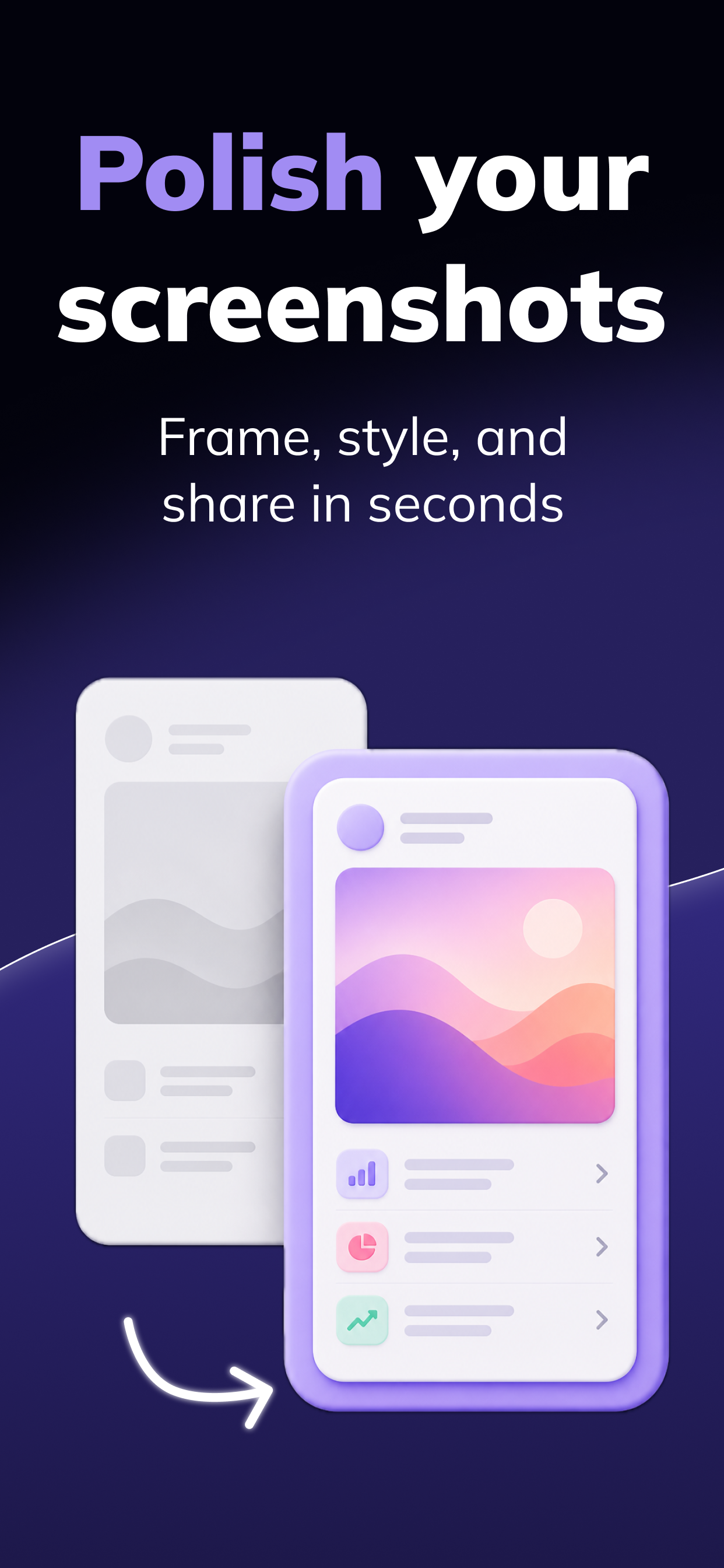
A quick look at the screenshots we use in the App Store: framing, backgrounds, callouts, redaction, and sharing.
Free to start
Download ScreenEdit, frame your screenshots, add context, and share something worth looking at.
Download on the App StoreFree to download · iPhone